New: Passkey Benchmark 2026 · compare your rollout

Passkeys demo

Test passkey authentication on your device with our free passkeys demo

Nothing leaves your device
See your passkey details
No password to remember

Passwordless 2FA

What are passkeys?

Passkeys replace passwords and allow users to login with biometric authentication methods, such as facial recognition or fingerprint scanning, instead of passwords. They are a secure and convenient form of passwordless authentication and two-factor authentication (2FA).
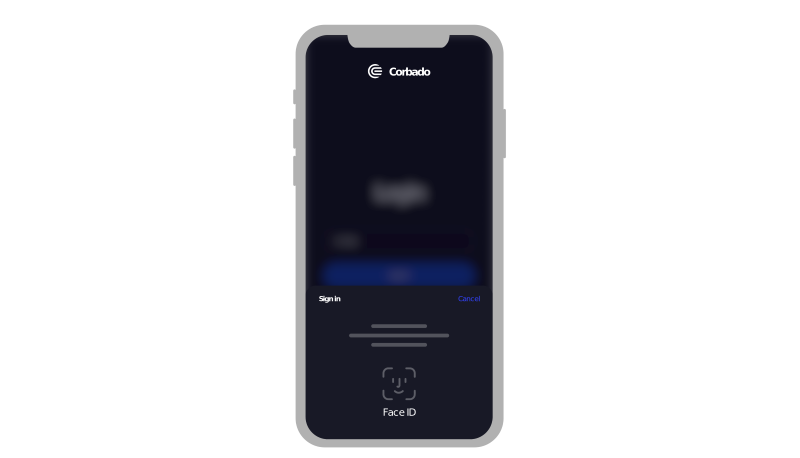
authentication sample

Better UX, better Security

Why passkeys?

Passkeys offer convenience & security. They live on your device, unlock with your face or fingerprint and are phishing-resistant, because they only ever work on the real website.

Improve UX

because of 200% faster logins

Source: Google

Increase conversions

 400% higher login success rate

Source: Google

Enhance IT security

with 100% phishing-resistance

Source: FIDO Alliance

Pushed by an entire industry

Who's behind passkeys?

Passkeys are not one company's idea. They are a shared standard built by the FIDO Alliance together with Apple, Google, Microsoft and hundreds of other companies.

FIDO Alliance
AppleGoogleMicrosoft

The technical standards behind passkeys are FIDO2, WebAuthn and CTAP. They are open, so any website can offer passkeys without paying anyone for permission.

+95% of Devices are Passkey-Ready

What’s the passkey adoption?

We provide the largest free data source for global passkey support.
Check State of Passkeys to get the most recent passkey-readiness data.

Passkey-Supported Websites

Who supports passkeys?

Some of the largest consumer services have offered passkeys since 2022.

Also on Apple, Google, Microsoft, PayPal, eBay, Nintendo and Shopify. Read the rollout analyses.

Log in to any Website with Biometrics

How do passkeys work?

Three short steps. Setting one up takes about as long as typing a password once.

check

Create a passkey

  1. Provide your email address and click Continue.
  2. Confirm with Face ID, Touch ID, your fingerprint or your device PIN. That is your passkey created.
check

Log in with a passkey

  1. To log in with your passkey, simply click the email input field.
  2. Your saved passkeys appear right in the field, the same way saved passwords do. Pick yours and confirm.

If your browser does not show them automatically, use the Continue button below the email field instead.

check

Log in with a passkey from another device

  1. No passkey on the computer you are using? You can use the one on your phone.
  2. Simply opt for Passkeys from a Nearby Device and scan the QR code with your phone.
  3. Both devices need Bluetooth switched on. Your passkey stays on your phone, it is never sent to the computer.

Passkeys Work on iOS, macOS, Android & Windows

How to enable passkeys?

Read the guides to activate passkeys on different operating systems.

Passkey Test Website for Device Compatibility

Is your device passkey-ready?

Check this device in one click, then see which browsers and operating systems support passkeys.

Get free passkey support

slack icon

Join our passkeys community

Get support from our passkeys community for any kind of passkey-related question or issue you face.

Prefer Reddit? We answer questions at r/passkey.

Profile 1Profile 2Profile 3Profile 4Profile 5
+1,000 devs & product managers
from
mongodb icon
shopify icon
salesforce icon
dashlane icon
okta icon
paypal icon
Passkeys Demo: Try Passkeys with your Biometrics